一、环境介绍
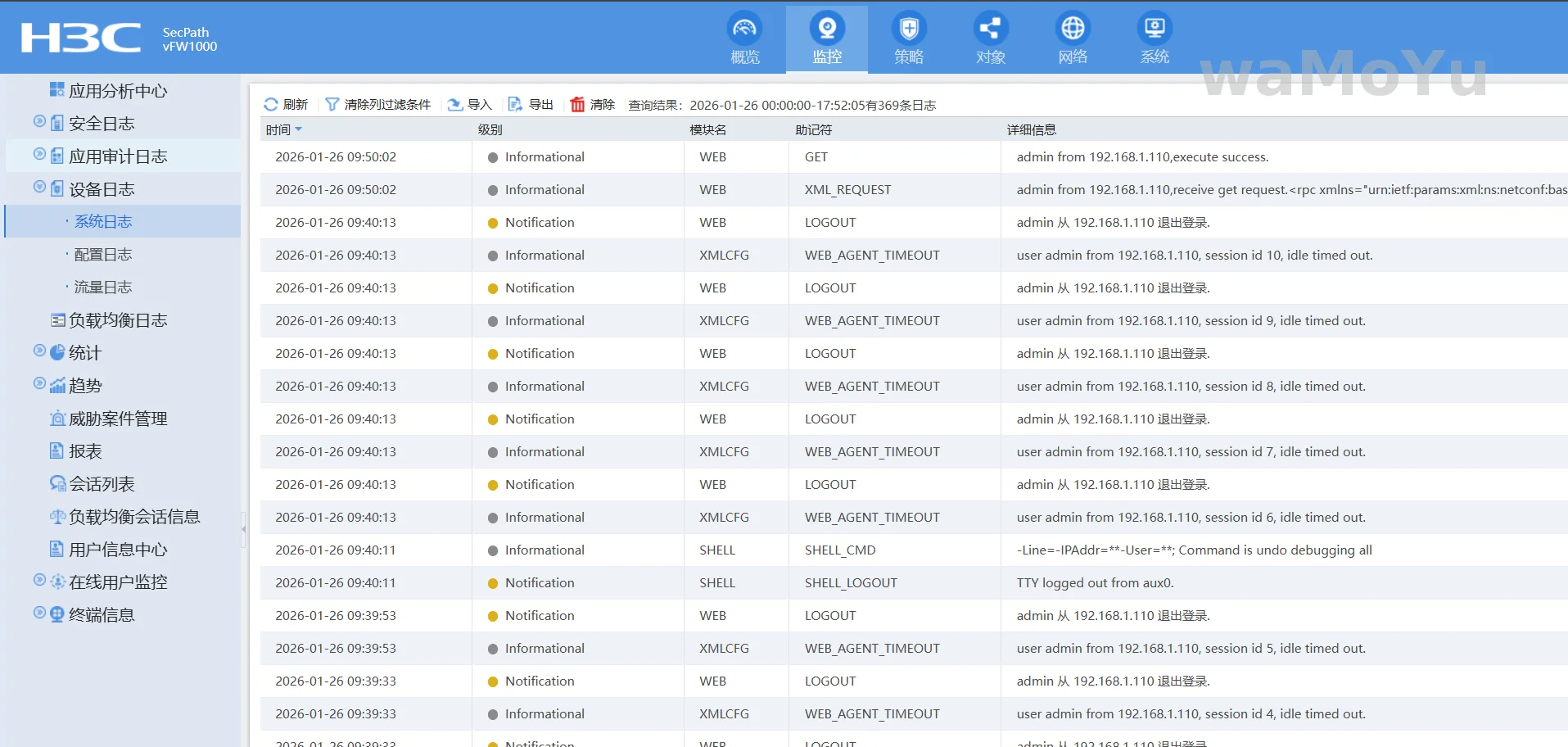
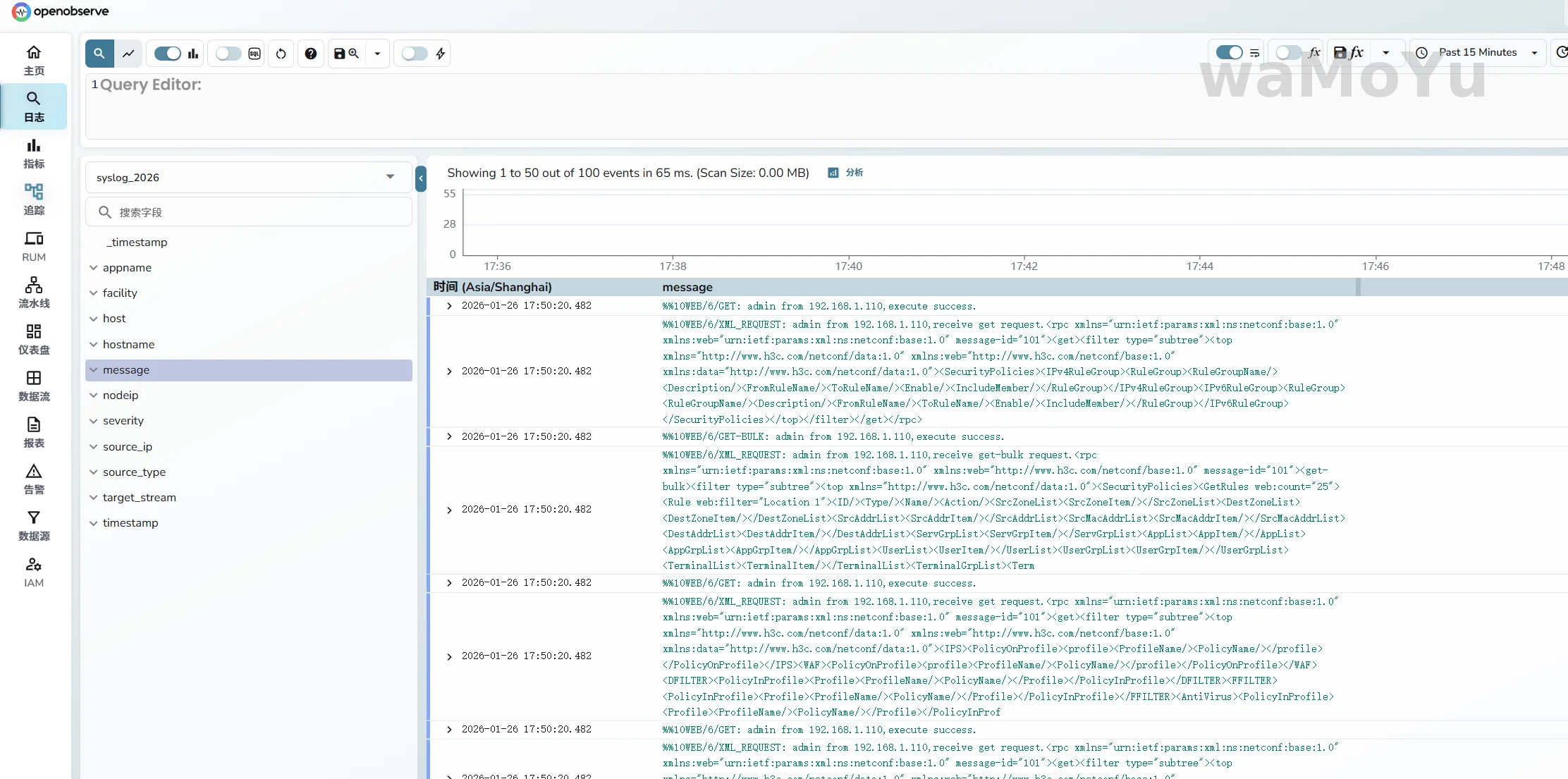
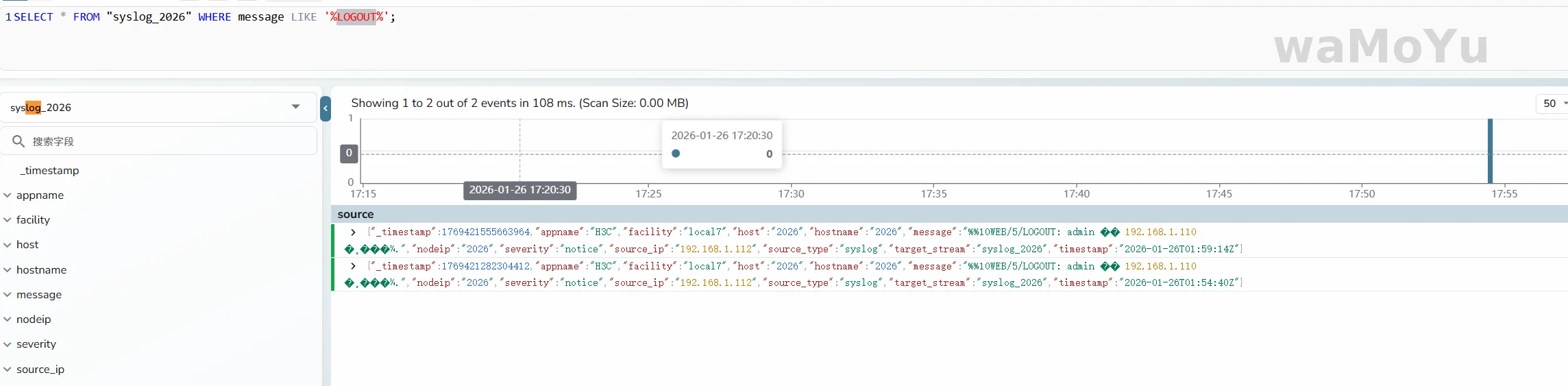
这里只是测试用,OpenObserve使用docker搭建,Vectro在windows中跑(充当syslog服务器),在跑了一个虚拟化防火墙发日志。最终实现效果如图
二、OpenObserver搭建
这里使用docker搭建,需要二机制部署的也可以自行参考官网文档。https://openobserve.ai/docs/
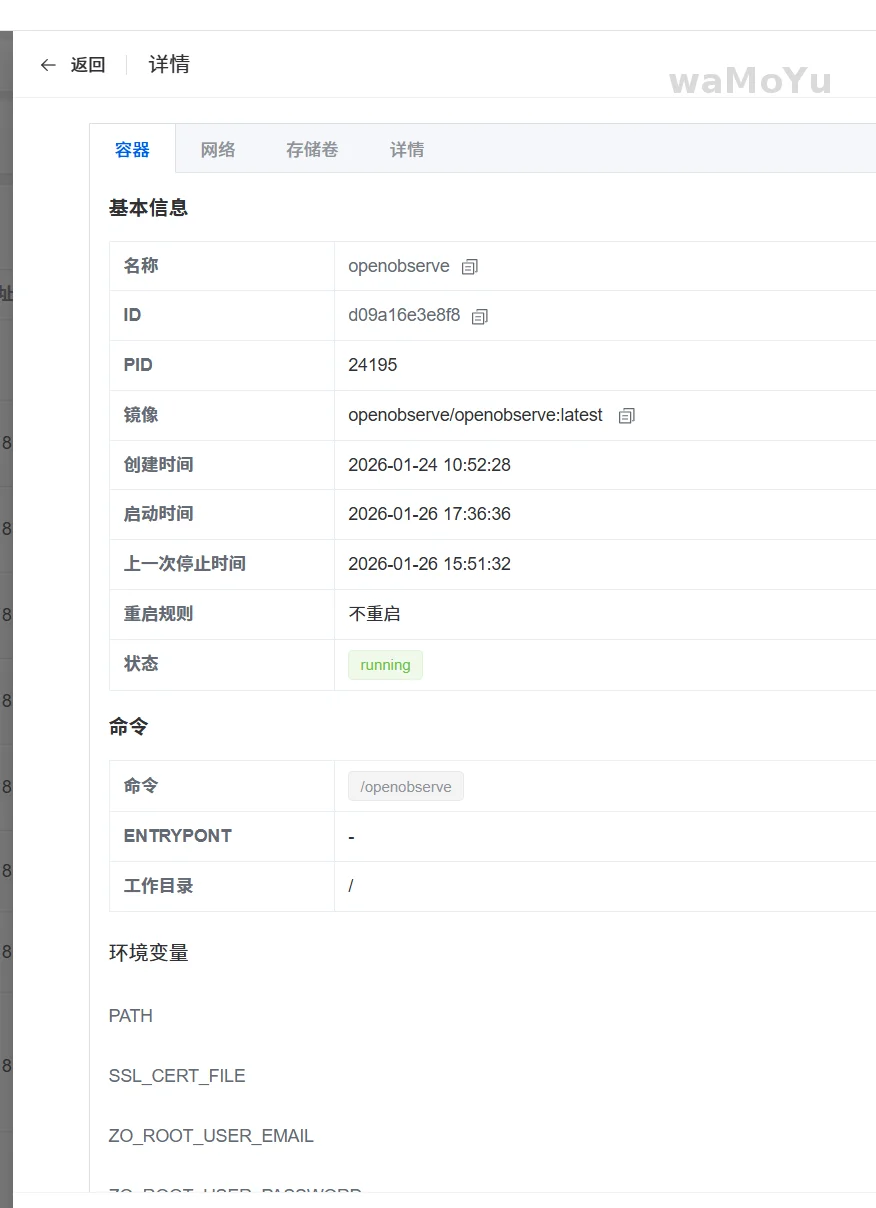
直接在1panel面板创建新的容器,主要是注意添加环境变量(邮箱和密码)就行,这里测试就不挂存储了。
启动后访问http://<IP>:5080即可。
sudo docker run -d \
 --name openobserve \
 -v $PWD/data:/data \
 -p 5080:5080 \
 -e ZO_ROOT_USER_EMAIL="root@example.com" \
 -e ZO_ROOT_USER_PASSWORD="Complexpass#123" \
 openobserve/openobserve:latest
三、VeCtro配置
vectro下载地址:https://vector.dev/download/
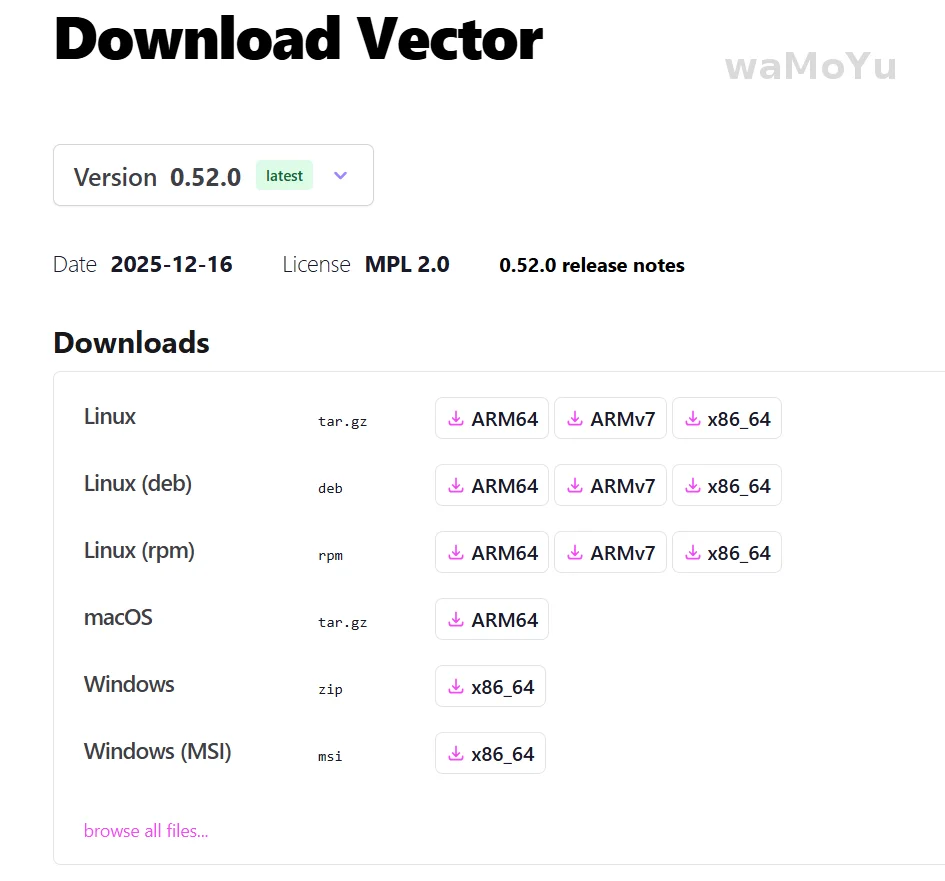
这里直接在本机上执行vectro.exe充当syslog服务器。
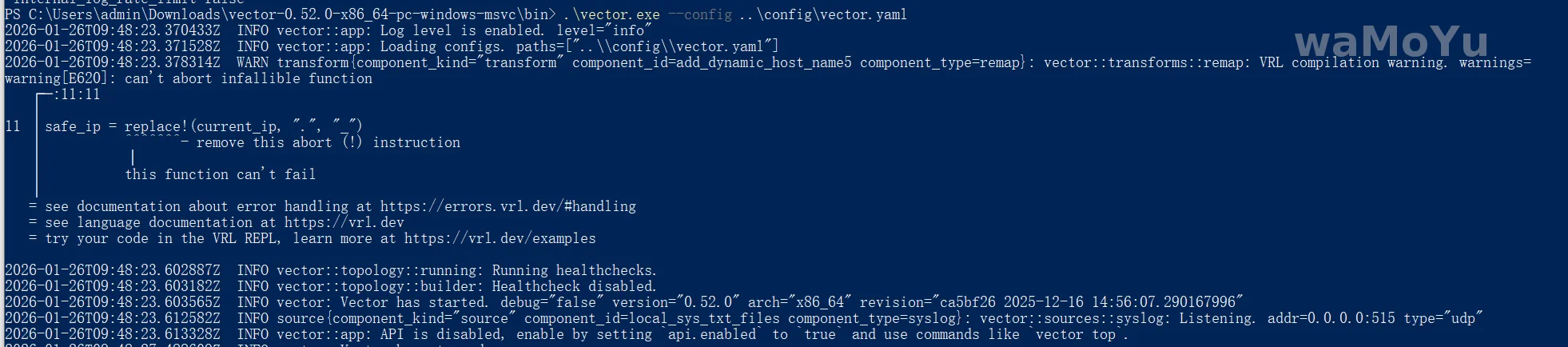
在exe所在路径中shift+右键打开powershell,执行以下命令(先把配置文件配置好):
PS C:\Users\admin\Downloads\vector-0.52.0-x86_64-pc-windows-msvc\bin> .\vector.exe --config ..\config\vector.yaml
配置文件
#                                    __   __  __
#                                    \ \ / / / /
#                                     \ V / / /
#                                      \_/  \/
#
#                                    V E C T O R
#                                   Configuration
#
# ------------------------------------------------------------------------------
# 官网:https://vector.dev
# 文档:https://vector.dev/docs
# 社区交流:https://chat.vector.dev
# ------------------------------------------------------------------------------

# 指定 Vector 数据存储目录
data_dir: "C:/Users/admin/Downloads/vector-0.52.0-x86_64-pc-windows-msvc/log"

# ------------------------------
# 【数据输入源(Source)】
# ------------------------------
sources:
  local_sys_txt_files:
    type: "syslog"
    address: "0.0.0.0:515"
    mode: "udp"
# ------------------------------
# 数据转换:用基础函数实现结构化解析
# ------------------------------
transforms:
  add_dynamic_host_name5:
    type: "remap"
    inputs: ["local_sys_txt_files"]
    source: |
      current_ip = to_string!(.host)
      safe_ip = replace!(current_ip, ".", "_")
      .target_stream = "syslog_" + safe_ip
      .message = to_string!(.message)
# ------------------------------
# 数据输出:发送到 OpenObserve(inputs 对应实际 transforms 名称)
# ------------------------------
sinks:
  openobserve:
    type: "http"
    inputs: ["add_dynamic_host_name5"]
    uri: "http://192.123.123.123:5080/api/default/{{ target_stream }}/_json"
    method: "post"
    auth:
      strategy: "basic"
      user: "xxx@xxx.com"
      password: "dYEy4bSxxxxxxx"
    compression: "gzip"
    encoding:
      codec: "json"
      timestamp_format: "rfc3339"
    healthcheck:
      enabled: false
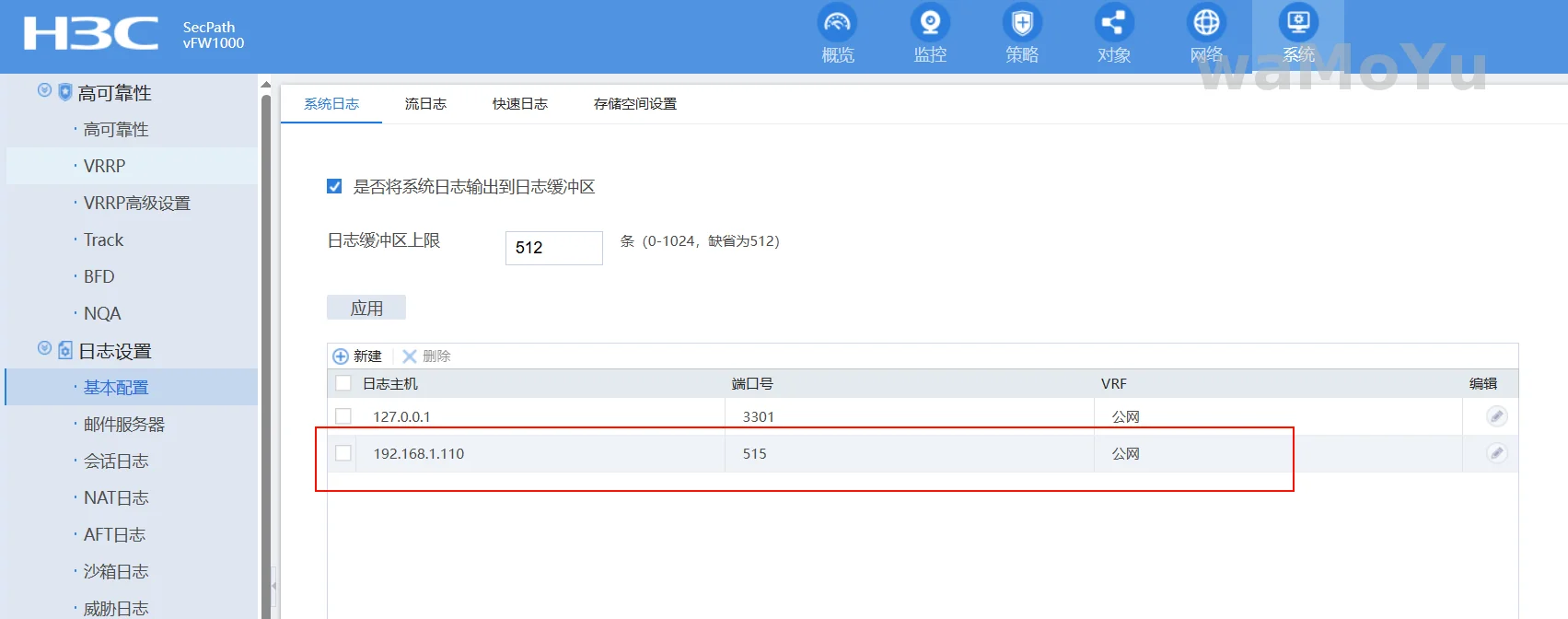
四、网络设备添加日志服务器
其他也差不多,默认是514端口,我这测试用的515。